
Follow these steps to change your Plesk account's contact details.
1. Log in to your Plesk account.
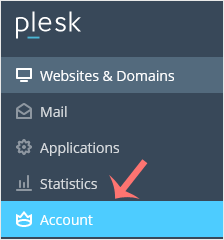
2. Click on Account from the Sidebar Menu.
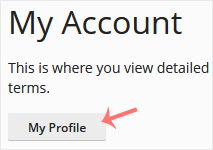
3. Click on My Profile.
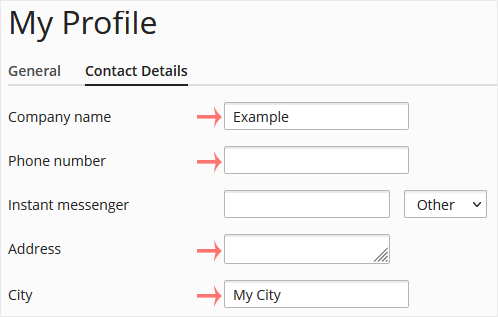
4. Click on Contact Details.

5. Update the details as per your requirements.
6. Click Apply.

You will see a success message signifying that your Plesk contact details have changed.
İlgili diğer dökümanlar
How to Log in to Plesk
A tutorial on how to access the Plesk Control Panel. After you place an...
How to Edit a File in the Plesk File Manager
1. Log in to your Plesk account. 2. Click on Files from the Sidebar Menu....
How to Change the Password of a Plesk Account
Follow these steps to change your Plesk account password. 1. Log in to...
How to Reset a Plesk's Account Password
Follow these steps to reset your Plesk account password. 1. Open your...
How to Update a Plesk Account's Email Address
Follow these steps to change your Plesk contact email address. 1. Log...